
01 · Collect inputs
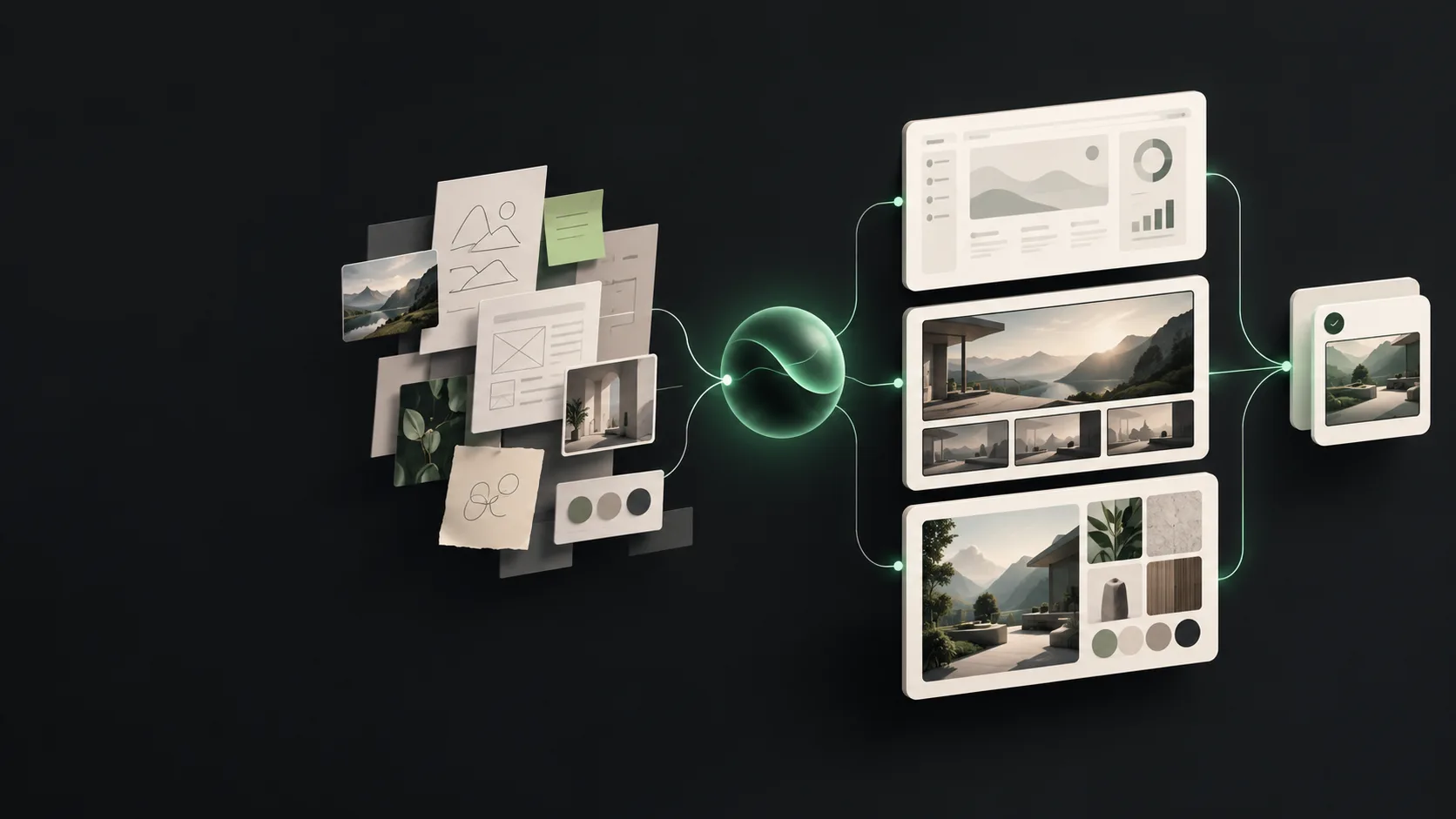
Hermes reads the product facts, references, brand rules, and channel size.
MODEL RESEARCH · IMAGE GENERATION
Nano Banana 2.1 is for making a usable image quickly and improving it through a few clear edits. Hermes Agent organizes the brief, references, copy, and checks. Nano Banana 2.1 generates and edits the image. Move only high-value final work to Nano Banana Pro.
THE SHORT ANSWER
Use it to test compositions, combine references, or revise an image through several rounds. Hermes writes down what must stay and what may change. The model then follows that job. A person still checks small text, long copy, exact poses, and brand approval before publishing.
ITS HERMES ROLE
Do not send a long, unstructured request. Let Hermes record product facts, references, aspect ratio, copy placement, and details that cannot change. Each revision then has a reason, and only the few final assets need to move to Nano Banana Pro.
THE WORKFLOW
Hermes reads the product facts, references, brand rules, and channel size.
Nano Banana 2.1 creates a first image and several composition directions. The goal is to choose, not to finish everything.
After a direction is chosen, change only what needs to change: the setting, light, view, or empty space.
Check small text, logos, prices, product shape, and final dimensions before publishing or moving the asset to Pro.
SMB WORKFLOW EXAMPLE
A small skincare brand needs a homepage banner, a vertical social image, and an email visual. Hermes locks the bottle shape, package text, brand colours, and three aspect ratios. Nano Banana 2.1 explores backgrounds and compositions. The team keeps two directions and edits them in a few rounds. If the hero image needs a higher finish, only that image moves to Nano Banana Pro. The cheaper model pays for exploration; the Pro budget stays with the assets that will actually be published.
PRICE AND BUDGET
Google’s listed image-output estimates are about $0.034 for 1K, $0.05 for 2K, and $0.11 for 4K. Confirm the live Hermes model price and route in the catalog before production. Do not use high-resolution output for every rough direction.
LIMITS
Small text, long paragraphs, charts, maps, medical or legal information can still be wrong. It is not a video model. Hermes can create a review checklist, but a person must check facts, rights, and brand requirements before release.
FAQ
Fast product images, background swaps, poster drafts, multi-panel story images, multi-turn edits, and combining several references.
References and multi-turn edits help, but they are not a guarantee. Hermes should restate the features that must stay in every round, and a person should compare the final images.
Start at 1K or 2K while testing a composition. Use 4K only when you need heavy cropping, print, or a large display. Do not pay for high resolution on every draft.
These are known failure points. Put text, direction, and mask areas on a separate review list and leave time for a human fix before publishing.
After the direction is approved, send only brand-critical, complex, or high-resolution final assets to Pro.
Google provides the Gemini API, but this page does not provide an unconfirmed Hermes model link. We will add the direct route after Hermes lists it.
OFFICIAL SOURCES
Model specifications and pricing are based on Google Gemini API documentation. Hermes routing and live prices are shown in the model catalog.
Read official documentation ↗