
Anthropic's Claude Code Lets Developers Theme Their AI Coding Desktop
Anthropic enabled custom themes for Claude Code on desktop via the mods plugin system Mods can now set animated backdrops and override colors through a new $.theme API A theme-examples plugin ships as a starting point; you can also prompt Claude to design one Works in local desktop sessions today,
Takeaways
- Anthropic enabled custom themes for Claude Code on desktop via the mods plugin system
- Mods can now set animated backdrops and override colors through a new
$.themeAPI - A theme-examples plugin ships as a starting point; you can also prompt Claude to design one
- Works in local desktop sessions today, with cloud session support coming soon
- Requires updating to the latest Claude Code desktop app
- Community theme marketplaces like matcra587/claude-themes already ship Dracula, Catppuccin, Nord and more
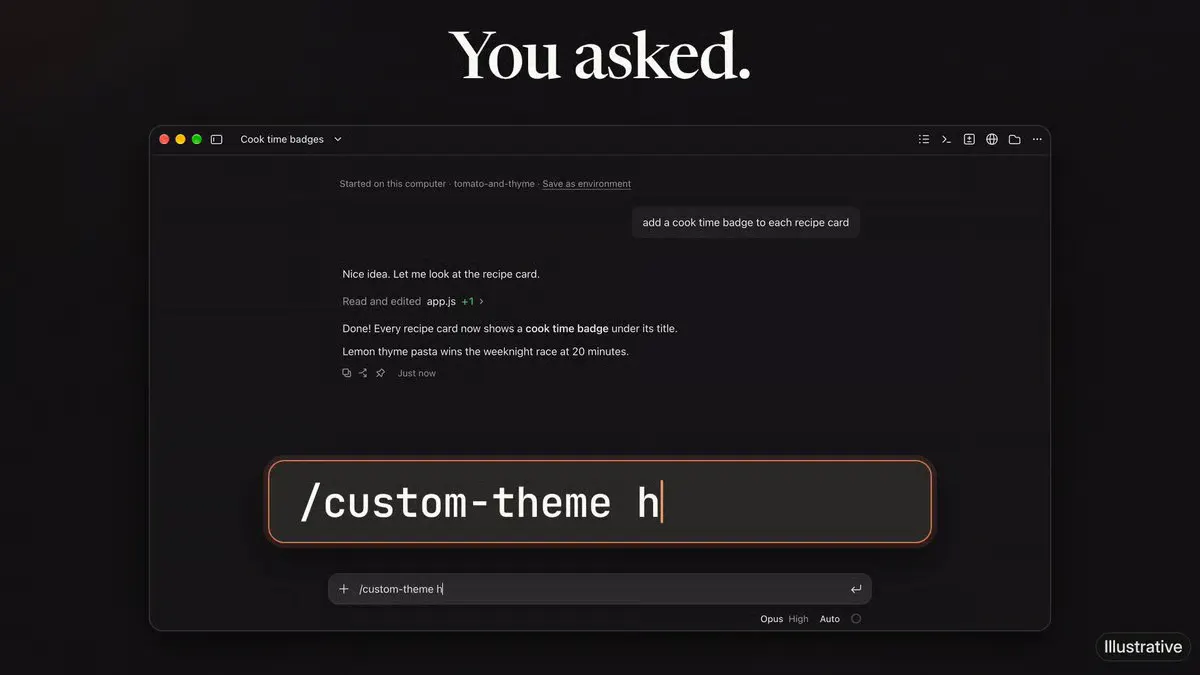
Anthropic’s ClaudeDevs account announced the update , which adds custom themes to local Claude Code sessions in the desktop app. Mods can change interface colors and place static or animated backdrops behind the conversation. Developers can write a theme, ask Claude to generate one from a natural-language description, or modify the ready-made theme-examples plugin.
Mods reach behind the transcript
Claude Code mods are plugins built from function hooks that run within a session. They can render panes, prompt-area bands, status lines and notifications, as well as inspect, rewrite or block tool calls before execution. The new $.theme API adds an app-level backdrop, while ui.render hooks control the colors and styling of individual interface elements.
| Capability | What it does |
|---|---|
| $.theme.set | Provides a backdrop for a supported desktop or mobile client to render. |
| $.theme.clear | Removes the active backdrop. |
| Color overrides | Restyles supported interface elements without replacing the backdrop. |
| Animated backgrounds | Adds motion behind the conversation view. |
| theme-examples | Provides working themes that developers can clone and modify. |
| Claude-assisted generation | Turns a written theme description into mod code for review and testing. |
Local sessions get it first
| Requirement or platform | Status |
|---|---|
| Desktop app | Available for local sessions after updating to the latest build. |
| Claude Code runtime | Version 2.1.319 or later is required. |
| Cloud sessions | Coming soon, with no release date announced. |
| Mobile clients | The API supports client-rendered backdrops, but the announcement confirms current availability only for local desktop sessions. |
| Price | Mods are included with Claude Code at no additional charge. |
Security: A theme remains executable mod code and receives the same machine access as Claude Code. Review its source and install themes only from trusted publishers.
Build from scratch or install
- Update the desktop app and confirm that Claude Code is running version
2.1.319or later. - Start with
theme-examples, ask Claude to generate a mod, or create one manually. - Call
$.theme.setwith the backdrop the client should render. - Use
ui.renderhooks to style render sites such asUserMessage,AssistantMessage,SpinnerandPane. - Call
$.theme.clearwhen the backdrop should be removed.
The community-maintained matcra587/claude-themes marketplace already packages palettes including Dracula, Catppuccin, Gruvbox, Nord and Tokyo Night. These commands register that marketplace, install its Dracula theme and open the theme selector:
The desktop surface opens up
The new backdrop layer expands the desktop Code tab, where mods previously had fewer visual controls than in the terminal transcript. Combining an app-level canvas with component-level render hooks lets one theme cover the conversation background, messages, panes and activity indicators. Developers can now align Claude Code with an editor palette or create visual states for different workflows.
Plugin authors can use the mods overview for architecture and the interface reference for hooks and API details. Themes should be tested in a local desktop session until Anthropic enables cloud-session support.
Reporting is indexed from AlphaSignal. Rights remain with the original publisher and cited sources.
Read original report

