
Google's Antigravity Lets Developers Control Coding Agents With Their Voice
Google Antigravity v2.29 adds voice mode , a two-way spoken agent conversation powered by Gemini Live. Works in the desktop app and in Antigravity CLI 1.5.0+ via /voice live or F6. Approve permissions, steer tasks, and interrupt mid-run by voice; destructive actions still require clicks.
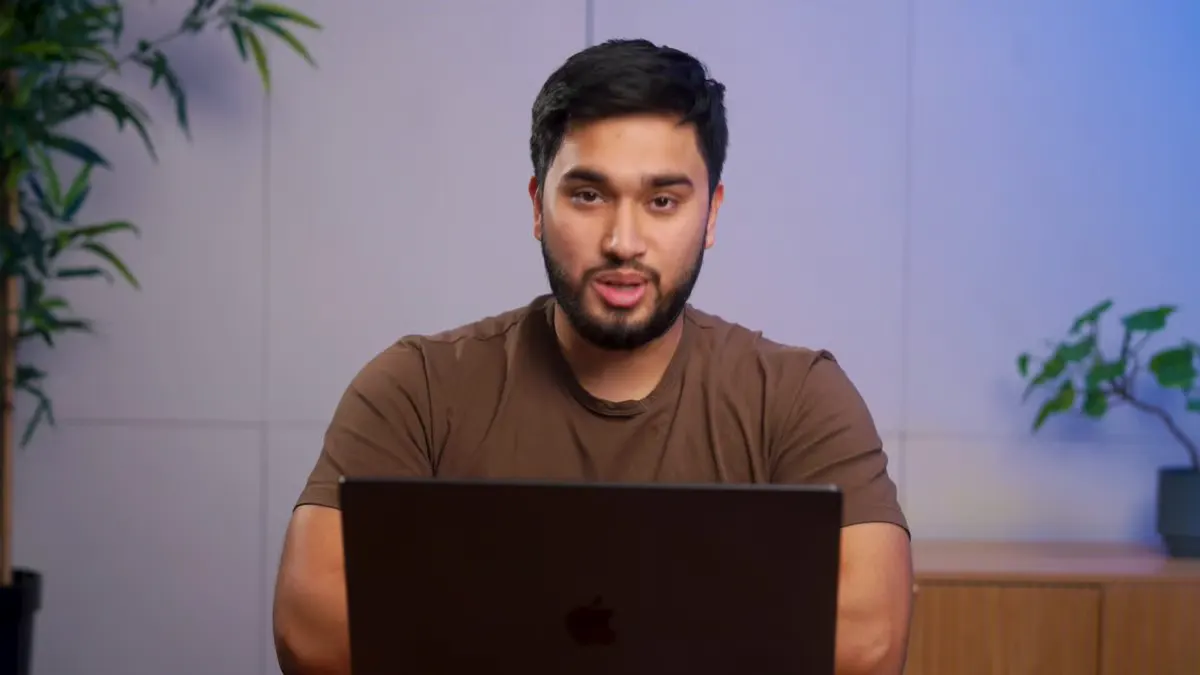
Takeaways
- Google Antigravity v2.29 adds voice mode , a two-way spoken agent conversation powered by Gemini Live.
- Works in the desktop app and in Antigravity CLI 1.5.0+ via
/voice liveor F6. - Approve permissions, steer tasks, and interrupt mid-run by voice; destructive actions still require clicks.
- Nine voice personas, playback speed from 0.75x to 2x, and spoken progress updates on request.
- Rolling out gradually; local conversations only, not available in Remote Control or cloud sessions.
- Gemini Live hears audio directly rather than a transcript, so tone and interruptions count.
Google has added voice mode to Antigravity, its agentic coding environment, using the Gemini Live model. Developers can assign tasks, interrupt work, steer execution, and handle eligible permission prompts through a spoken conversation.
Voice mode arrived with Antigravity v2.29 alongside cloud Remote Agents and is being enabled gradually across accounts . It works in the desktop app and in CLI version 1.5.0 or later. CLI users can start it with /voice live or F6 .
Audio becomes the control layer
Antigravity streams microphone audio to Google’s servers, where Gemini Live interprets the speech and generates spoken replies. Because the model receives audio directly, it can respond to tone, pacing, and interruptions as part of the conversation.
Questions and conversational exchanges receive immediate spoken responses. Requests involving code, files, or tools become standard agent tasks recorded in the conversation log, where developers can follow the work and revise instructions while it runs.
Commands that change the run
- Assign work: Describe a task as you would in a typed prompt, such as finding and fixing a failing test.
- Revise the scope: Say just check it, don’t change anything yet to adjust an active task.
- Interrupt execution: Say wait , hold on , or begin speaking while the agent talks.
- Approve permissions: Use phrases such as allow it just this once , allow for this project , or always allow this .
- Add context: Attach a PDF, screenshot, or log during the conversation. The agent acknowledges the new file aloud.
Voice approval excludes destructive actions, including deleting files, running commands with elevated privileges, and force-pushing to a Git remote. Those requests require an on-screen click on Allow . Developers can still deny them by voice.
Nine voices and duplex audio
Antigravity offers nine voice personas: Fola, Gero, Lora, Arlo, Tari, Cleo, Finn, Neno, and Olin. Playback speed ranges from 0.75x to 2x. The agent speaks when it has an answer or needs input by default; saying keep me posted requests progress reports about every 30 seconds, and developers can specify another interval.
The CLI mutes the microphone while the agent speaks. Running /voice duplex on enables simultaneous listening, which allows spoken interruptions. Google recommends headphones in duplex mode to prevent the microphone from capturing the agent’s own audio.
Best fit: long-running local work
Voice control suits tasks that need periodic direction while a developer reads code, reviews output, or works in another window. It can also reduce typing during localization and copy work. A Google demo shows an engineer speaking multiple languages while localizing and styling a website component.
Cloud sessions stay silent
Several restrictions narrow where teams can use the feature:
- The desktop app supports voice mode only in local conversations.
- Remote Control sessions and cloud conversations do not support it.
- Only one conversation can use voice mode at a time.
- Subagent conversations do not support it.
- CLI print mode does not support it.
For local development, voice mode gives Antigravity users a hands-free control channel for long agent runs while preserving the task log, permission boundaries, and on-screen review flow.
Reporting is indexed from AlphaSignal. Rights remain with the original publisher and cited sources.
Read original report

