
01 / FROM IDEA TO OUTPUT
A workflow you can follow
Use the source package as the reference
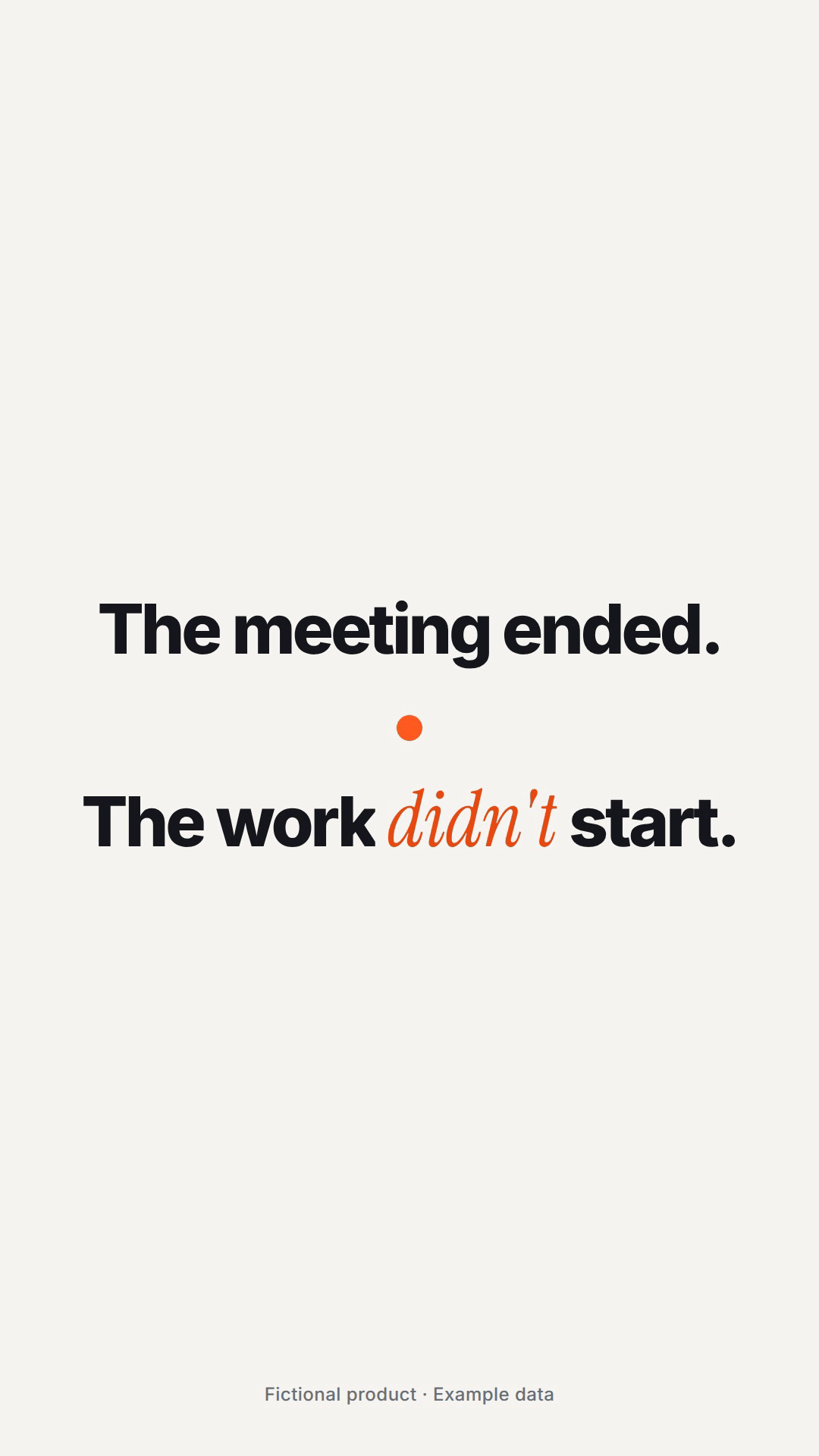
The Actova example includes a brief, visual direction, shot list and critique log. Read those alongside the film: they show what was decided before animation and what changed during review. Actova is a fictional product with example data.
Prepare evidence for every scene
For your own project, collect the actual UI state, logo, approved claim and permitted audio. A missing screen is a missing production input. Mark it explicitly instead of asking the agent to invent a plausible interface.
Review the scene before the sequence
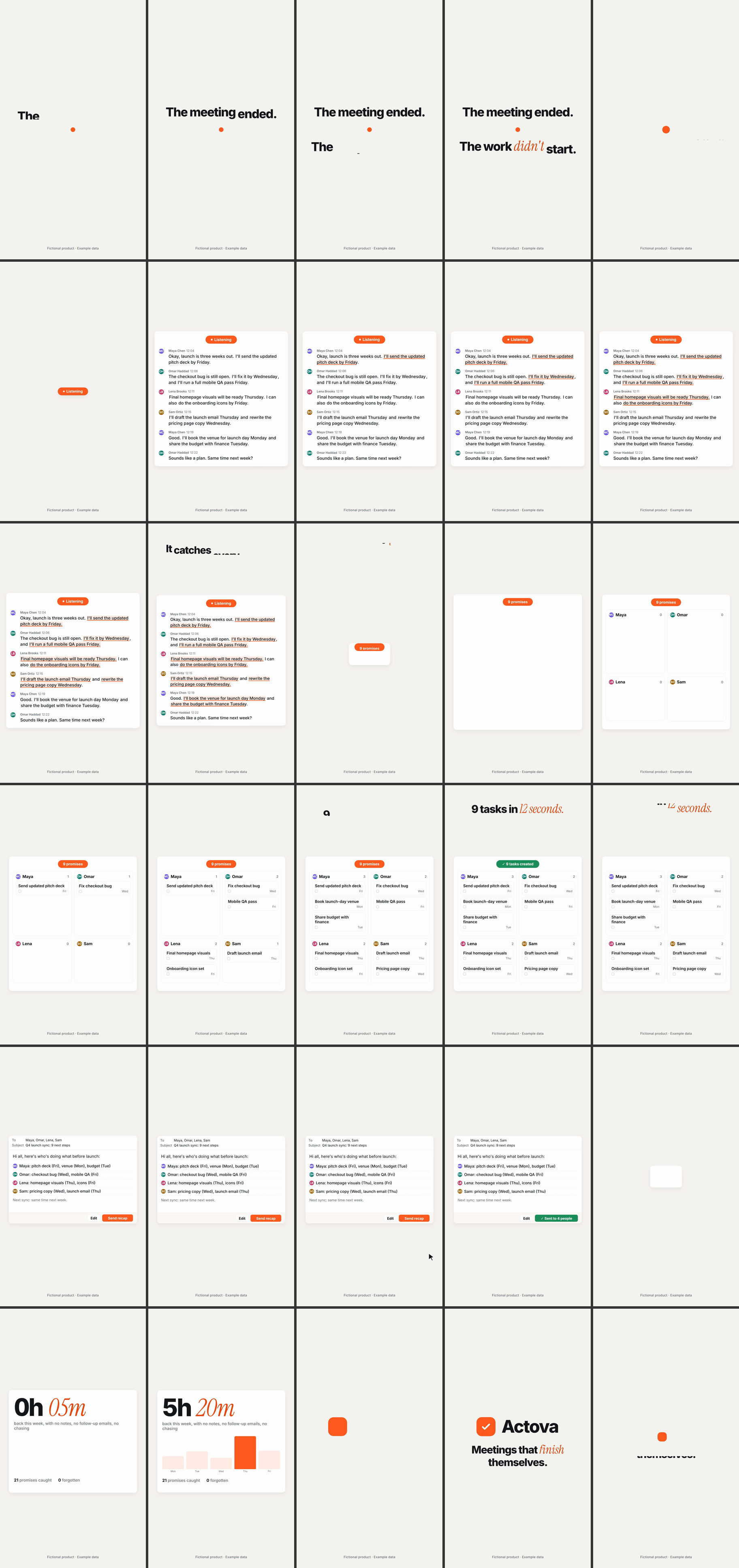
Check representative stills for each scene, then a contact sheet for the film. Repeated compositions, unreadable UI and weak transitions are easier to spot side by side. The contact sheet below is the author’s actual review artifact.
Deliver the project, not just the file
Package source, assets, output dimensions and review notes with the final videos. Open every delivered format in its own player. Treat the portrait version as a separate layout review and record any compromises instead of hiding them.
02 / START HERE
Make the brief your own
This is an original Hermes example. Replace the inputs and delivery requirements before sending it to your agent. It is not the showcase creator’s original prompt or a promise of the same result.
Use Motion Director to plan a 20-second launch film for [product URL]. Inputs: real screenshots, logo, approved feature claims and licensed music. Deliver 16:9 and 9:16. First inspect the assets and list missing inputs. Propose one visual direction and a three-beat shot list. Show a still from every scene before rendering. Keep a critique log and deliver source, contact sheet and final exports.Real assets, the mechanism to explain and verified numbers.
Brief and visual direction · Specify dimensions, duration and files.
Stills → short test → full output → independent playback or interaction.
03 / READ THE WORK
What the review sheet reveals
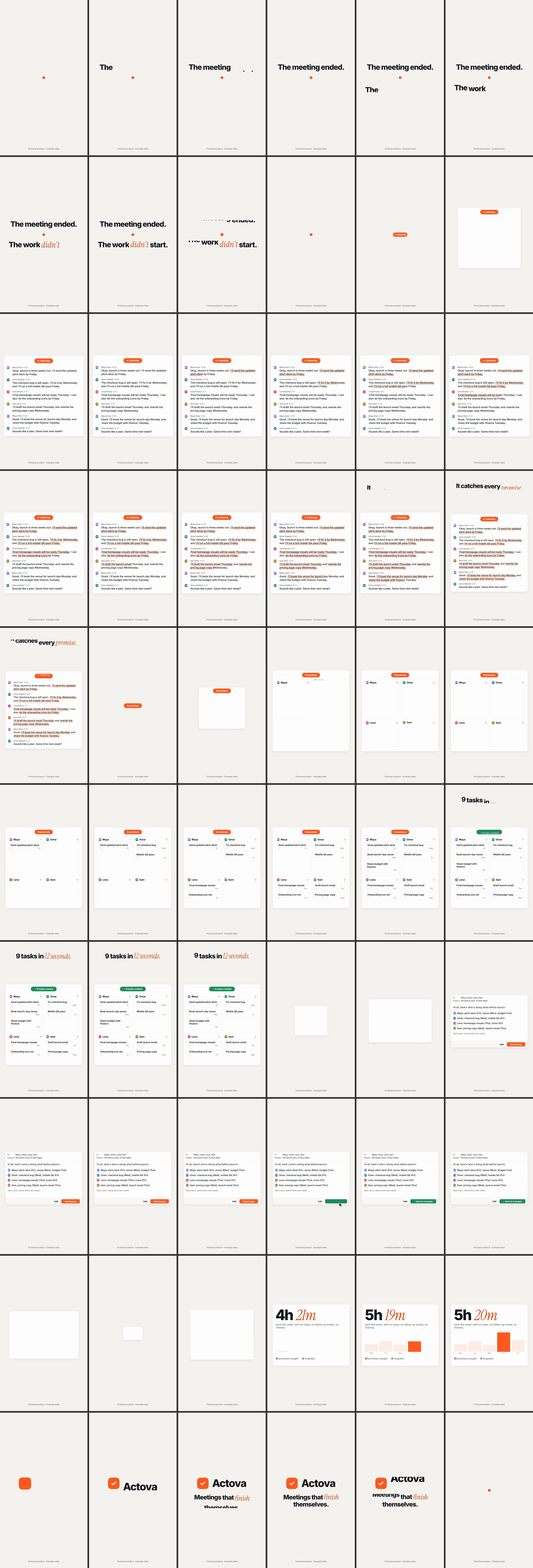
Compare adjacent frames for repeated compositions, dense text and long stretches without visual development, then verify the concern in motion. Write review notes as specific actions: remove a sentence, hold the product screen longer or simplify a transition.
04 / REVIEW & REVISE
When the result feels wrong
A polished scene says nothing about the product
Replace a generic benefit statement with an actual product action. One clear before-and-after is usually more useful than several abstract claims.
Review happens only after a long render
Move review earlier: brief, stills, one short clip, then the complete film. Keep the failure notes so the next revision fixes a named problem.
The demo looks like a performance claim
Keep “fictional product / example data” visible when sharing Actova. For your own product, replace the data only after verifying it.
Questions before you begin
Is this Anthropic’s Claude Motion?
No. Motion Director is an independent community skill built around HyperFrames. Claude Motion is a separate feature in Claude. Their setup and delivery workflows differ.
Does this preview include the final soundtrack?
This is a silent MP4 conversion of the author’s published GIF. The repository says its example audio is placeholder material. Do not treat this preview as a sound-quality demonstration.
Sources & display notes
The original projects are authoritative for capabilities and setup. The production recipes, sample briefs and review advice here are Hermes editorial work. A recommendation is not a claim of exhaustive tool testing.
Motion Director · source & MIT license ↗Actova · complete example ↗