LM Studio's Bionic Adds a Built-In Terminal for Local AI Coding
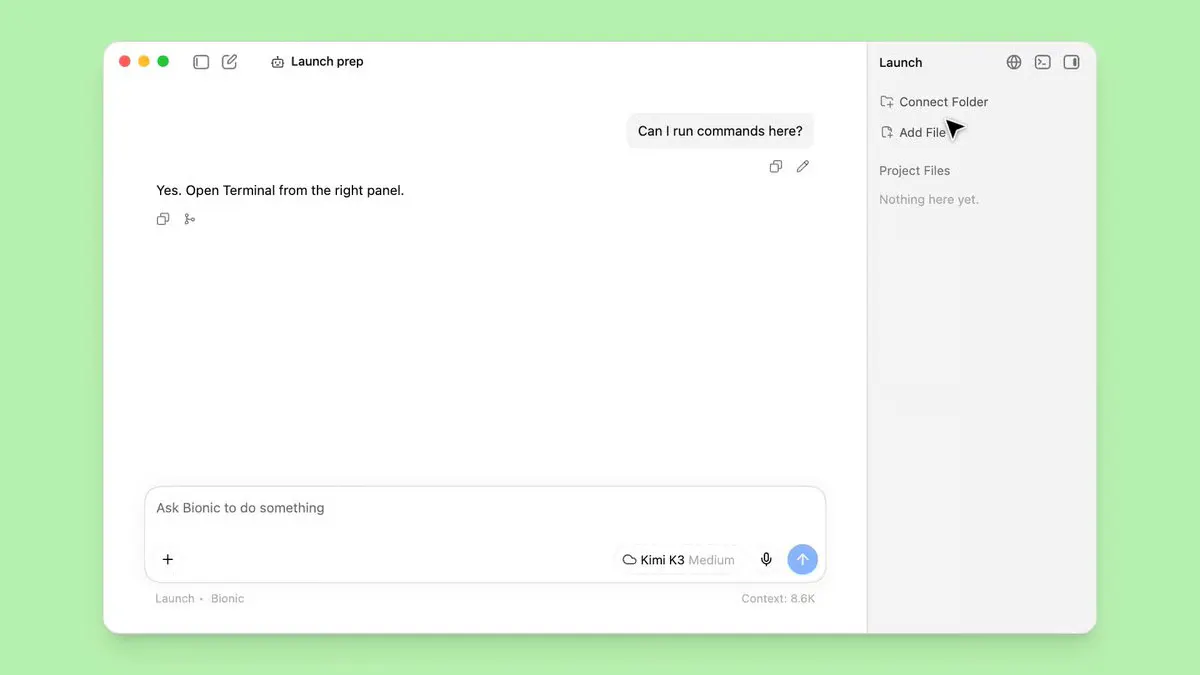
Bionic now has a built-in terminal powered by libghostty, Ghostty's embeddable emulator core. Toggle with Cmd+J on Mac or Ctrl+J on Windows and Linux. Available in public Bionic builds on Mac, Windows, and Linux, free.
Takeaways
- Bionic now has a built-in terminal powered by libghostty, Ghostty's embeddable emulator core.
- Toggle with
Cmd+Jon Mac orCtrl+Jon Windows and Linux. - Available in public Bionic builds on Mac, Windows, and Linux, free.
- Supports restored sessions, configurable shell profiles, and screen reader output.
- Bionic runs alongside LM Studio and uses it for local inference when available.
- Closes the loop for agentic coding: tests, git, and installs stay inside the app.
LM Studio has added a built-in terminal to the latest public build of Bionic, its desktop agent for open models. The terminal runs inside the app, uses libghostty , and opens or hides with Cmd+J on macOS or Ctrl+J on Windows and Linux, according to the Bionic changelog .
Bionic can inspect and modify files in a selected project folder, write documents and code, transcribe speech, and send demanding tasks to hosted models. LM Studio distributes it as a separate application from the standard LM Studio client, while allowing Bionic to use a running LM Studio instance for local inference.
Shell work joins the workspace
Coding tasks frequently require shell commands for installing dependencies, running tests, inspecting Git state, and reading logs. The embedded terminal keeps those commands beside Bionic’s chat and project files, reducing the need to switch between Bionic and a separate terminal application.
The changelog documents the terminal as an in-app workspace and does not claim that the agent can automatically control it. Developers can use the panel to run commands themselves, then provide relevant output to the agent when diagnosing failures or planning the next edit.
Ghostty powers the panel
libghostty is the embeddable terminal-emulation core from Ghostty. A terminal emulator interprets control sequences from command-line programs and maintains details such as cursor state, colors, screen contents, and scrollback. Ghostty’s core also supports features including Kitty graphics, giving Bionic a production-grade foundation for interactive shell applications.
What the release includes
- Public availability: The terminal works in public Bionic builds without a beta flag.
- Keyboard access:
Cmd+Jtoggles the panel on macOS;Ctrl+Jdoes the same on Windows and Linux. - Session restoration: Restored terminal sessions start automatically when selected after relaunching the app.
- Shell profiles: Users can configure shells such as
zsh,bash, PowerShell, or a custom command. - Accessibility: In-app terminal output supports screen readers.
Install and test it
Bionic is available free for macOS, Windows, and Linux from the LM Studio site . Its separate installation can run alongside the standard LM Studio application and use the existing local model library and server configuration when LM Studio is active.
- Download and install Bionic for the target operating system.
- Open a project folder that the agent can inspect and modify.
- Keep LM Studio running when using models from the local library.
- Press
Cmd+JorCtrl+Jto open the terminal. - Run a project command such as
npm test,pytest, orgit status.
A typical workflow can now stay within one window: ask Bionic to scaffold or revise a project, run its test suite in the terminal, and use any failures to guide the next request. The addition gives developers a more complete workspace for combining local models, project files, and command-line tools.
Reporting is indexed from AlphaSignal. Rights remain with the original publisher and cited sources.
Read original report