Kling 4.0 for Hermes Agent: Turn shot plans into controlled video
Kling 4.0 is a good fit for short videos with clear shots, references, and motion requirements. Hermes organizes the brief, writes the shot plan, and checks the result. Kling creates the video.
Access statusHermes does not list a direct Kling 4.0 model connection yet. This guide shows a usable workflow; direct access will be available only when Kling appears as a callable model in the directory.
01 / Design the workflow first
How should a Hermes Agent divide the work?
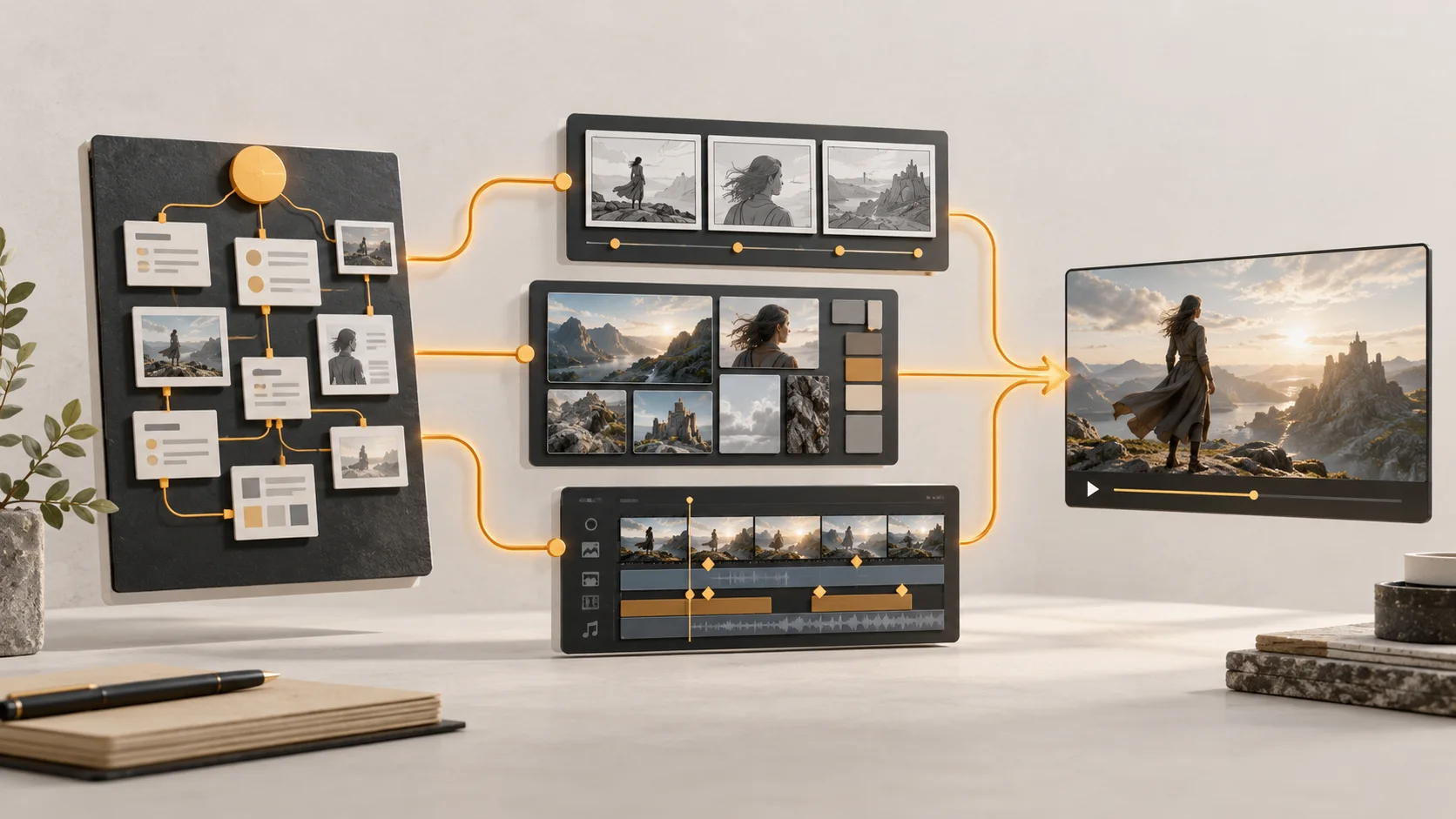
A practical flow is: the main Agent confirms the goal, a text model writes the shot table, an image model prepares character or product references, Kling creates the clips, and a person checks the brand, motion, captions, and product facts.
Even before Hermes lists a direct Kling connection, you can use Hermes to write the shot list, prompts, and review checklist. When Kling becomes callable, only the last step needs to change.
The owner gives Hermes the product page, target country, offer, banned claims, and three reference images. Hermes turns them into a shot list: opening product view, one benefit, a proof moment, and a clear call to action. Kling creates three short variants from the approved references. A person checks the price, logo, language, product shape, and rights before publishing.
02
Build connected shots for an animated series
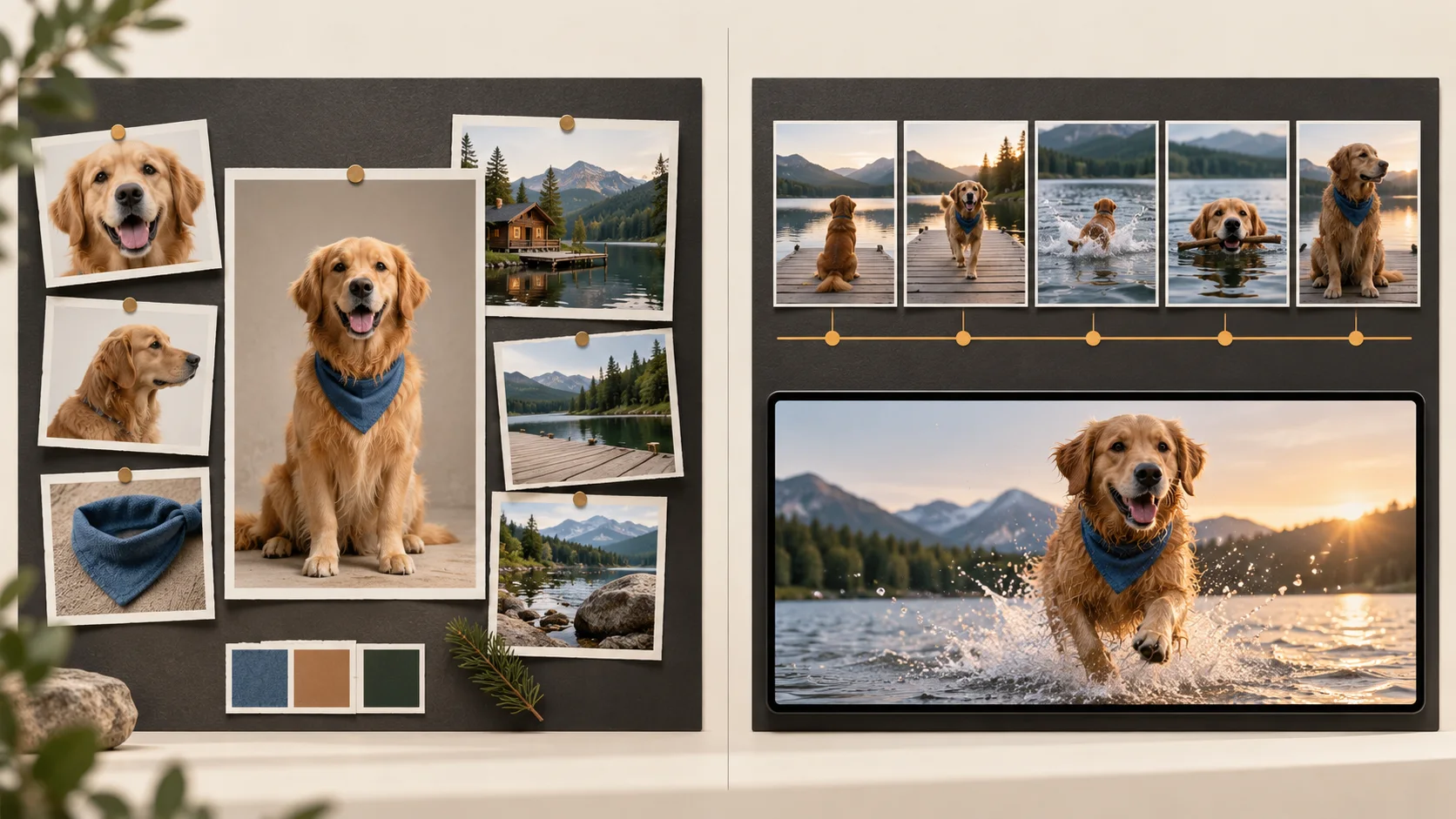
A small studio first uses a cheaper image model to explore the character, costume, location, and lighting. After the style is approved, Hermes keeps a continuity sheet and sends Kling the reference board plus start, middle, and end keyframes for each shot. Kling handles motion; Hermes records which version belongs to which scene. A person checks identity, hands, faces, and story continuity.
03
Adapt one winning video for several products
Hermes breaks the original ad into timing, camera moves, dialogue, product moments, and music cues. It then creates a replacement list for each market and product. Kling generates the new clips from the approved references. A person checks that the product is not warped, the lip sync still matches, local claims are allowed, and the original footage and voices can be reused.
03 / Omni Reference or Keyframes?
Omni Reference or Keyframes?
They solve different problems. Do not rely on both controls in the same task; choose the one that matches what you need to control.
Omni Reference
Use it when you need to keep several people, products, styles, or locations in view as references.
Keyframes
Use it when you need to control the opening, ending, and middle transitions of a shot.
Shot length
A single generation is about 3 to 30 seconds. Longer stories should be split into shots and edited by a person.
Format and quality
Common landscape, portrait, and square formats are available. The exact highest setting depends on the product account.
Human review
Motion, identity, captions, logos, prices, and rights should not be approved by the model alone.
04 / How should you estimate the cost?
How should you estimate the cost?
Kling 4.0 is currently sold through product plans and credits. The real cost changes with your account, shot length, resolution, and mode. Web credits are not the same as a Hermes API unit price, so test with a lower setting before producing a full batch.
The public Hermes model directory does not list a Kling 4.0 model ID yet, so this page has no “call Kling directly” button. You can still use Hermes text and image models to prepare the workflow, then connect the final step when Kling is officially listed as a callable model.
You can use Hermes today to plan the script, references, and review checklist. Kling 4.0 creates the video; direct Hermes access depends on the public model directory.